
Using AI – Dos and Don’ts
It’s easy to feel like you’re being pressured to use AI before you actually have a use case for it. So, well-meaning people start scrambling to find any way to start using AI and end up making mistakes, usually due to misunderstanding what it can do.
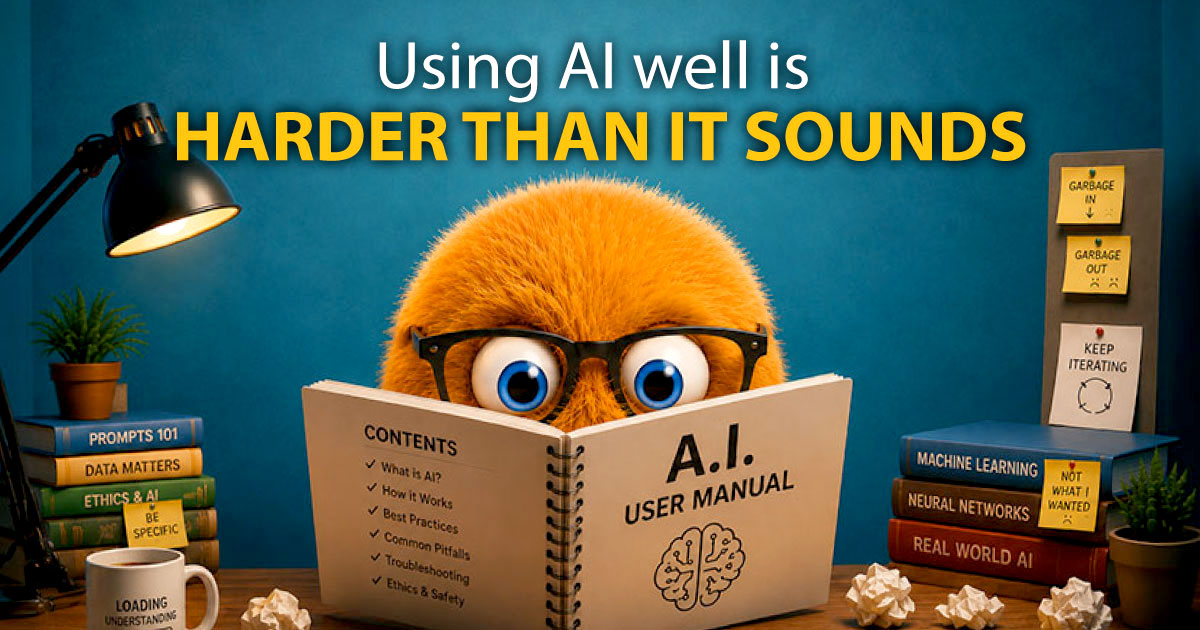
Not all AIs are created equal. Not everything people call AI is actually AI. And some things are probably better kept far away from AI without heavy restrictions. Using AI well is harder than it sounds.
Here’s an overview of the bigger AI models, some Dos and Don’ts for using AI, and a brief discussion of the ethics of using AI as a credit union.
So, what is each AI model good for?
There are already too many AI models for me to cover everything, but the big ones I’ll discuss at the moment are Gemini, Copilot, ChatGPT, and Claude. Keep in mind that the answers for “which AI is best at…?” change incredibly quickly.
Gemini, from Google, has been incorporated into all of Google Workspace, whether you asked for it or not. If you ask Gemini what it can do, it says it’s good at “Complex problem solving and coding,” and “Creative content and image magic.” In my experience and the word of mouth of people I trust, Gemini is good at handling a lot of context and can be trusted to work within established parameters.
Copilot, from Microsoft, says it’s good at “synthesizing information, generating ideas, and solving problems,” which you might notice is sort of what every AI should be good at. In my experience, Copilot is the AI that your business signs up for and then tells you to make use of. It probably does have excellent use cases, but it sure seems like people are struggling to find them.
ChatGPT, from OpenAI, is probably the first AI you heard of. ChatGPT says, “If it involves information, reasoning, writing, coding, learning, or planning, I can probably help.” The internet seems to think it’s the best all-rounder AI, given its expansive ecosystem.
Claude, from Anthropic, is often mentioned as the best AI for complex logic and coding. When I asked it what it was good at, it listed basically everything. But the through-line seems to be language and data.
Dos: Transparency
- DO tout “created/decided by real humans” if that’s true.
- DO disclose AI usage
- DO update your Privacy Policy if needed
- DO make sure people can communicate with a human when they want to
We can’t ignore the issue that a lot of people react negatively when you disclose using AI, especially when you have AI create something for you. But by disclosing openly, you at least get credit for disclosing AI use, allowing the other person to decide for themselves whether they want to continue.
Dos and Don’ts: Images
- DON’T generate people or animals.
- AVOID generating cartoon images, too. These end up overcrowded and weird too often
- Abstracts in a consistent style are kind of fun sometimes
- AI tools in Photoshop are a better use; removing backgrounds, enhancing, etc.
- Watch for AI in stock images; they’re supposed to disclose this, but often don’t.
- There’s potential for copyright issues around source material; be careful.
Generated images aren’t quite there yet, and tend to be unsettling and distracting, even if it’s at a subconscious level. In the worst cases, you get extra limbs or digits, and even among the best AI images, you get a sort of deadness about the eyes and unnatural expressions. That said, AI can do a great job with some kinds of image processing.
Dos and Don’ts: Text Content
- DO be the human. Be quirky, interesting, real.
- DON’T let AI over-polish and blandify.
- DO use human experts
- DON’T just copy and paste
- DO require sourcing, and follow up.
- Use AI for optimizing, but don’t take every suggestion.
AI is GREAT at plausible BS. Hallucinations are uncommon nowadays, but more subtle factual and tonal issues creep in the more you generate or research. A really great use for AI is to show it what you wrote and ask something like, “Is this internally consistent?” It’s great for basic proofing and even checking the logic of what you wrote, but don’t let AI pare away your humanity.
Do’s and Don’ts: Data and Decision Safety
- DON’T feed in member data like mailing lists.
- DO require sourcing
- CAREFUL if AI is in a position to spend money or make decisions. (e.g. Google Ads)
- DO stay aware of AI’s greater motivations (keep you engaged)
This is probably the most important, in that it will create the biggest problems if ignored. AI tools need strong safeguards when dealing with decisions and data. Just keep this in mind.
Ethical considerations
The other big sticking point for a lot of people is the ethical implications of using AI right now. AI has a reputation for being incredibly inefficient and consuming a lot of resources and power. I would hazard that anyone with passing knowledge of AI in 2026 is aware of the massive datacenters being built that are creating huge problems for nearby towns and cities.
A credit union’s strength comes from the people that make up its community, and it would not be an unreasonable perspective to believe that using AI runs counter to a core credit union ethos. But like all tools, there are absolutely going to be ways to use AI responsibly. Unfortunately, I don’t have a perfect solution for you here. You simply need to be aware of the ethical implications of using AI tools and how that affects your membership and community.
AI Disclosure
The entirety of this blog article was human created, aside from the quoted responses from AI models above.

- People are still the credit union superpower - September 22, 2026
- Do your members have the access they need? - September 1, 2026
- Free tools and tips for better website usability - July 7, 2026